
A Shopify catalog can work well in the storefront and still contain product data that causes trouble elsewhere. Shopify only requires a title and price to create a product, while Google’s product data specification expects accurate, correctly formatted attributes such as identifiers, descriptions, images, price, availability, and variant data when they apply.
MW Feed Audit is a Shopify app from MerchWeave that finds those catalog gaps and turns them into a prioritized worklist. It is built for merchants and agencies that want to improve Shopify-side product data before or alongside their work in Google Merchant Center.
Disclosure: MerchWeave built MW Feed Audit. This is a product guide, not an independent review. It explains the current features, pricing, and limitations so you can decide whether the app fits your workflow.
What does MW Feed Audit actually do?
The app scans products and variants in Shopify using read-only access. It looks for missing identifiers, invalid prices, absent descriptions or images, unavailable variants, and other product-data issues listed on the Shopify App Store page. The scan never edits product data.
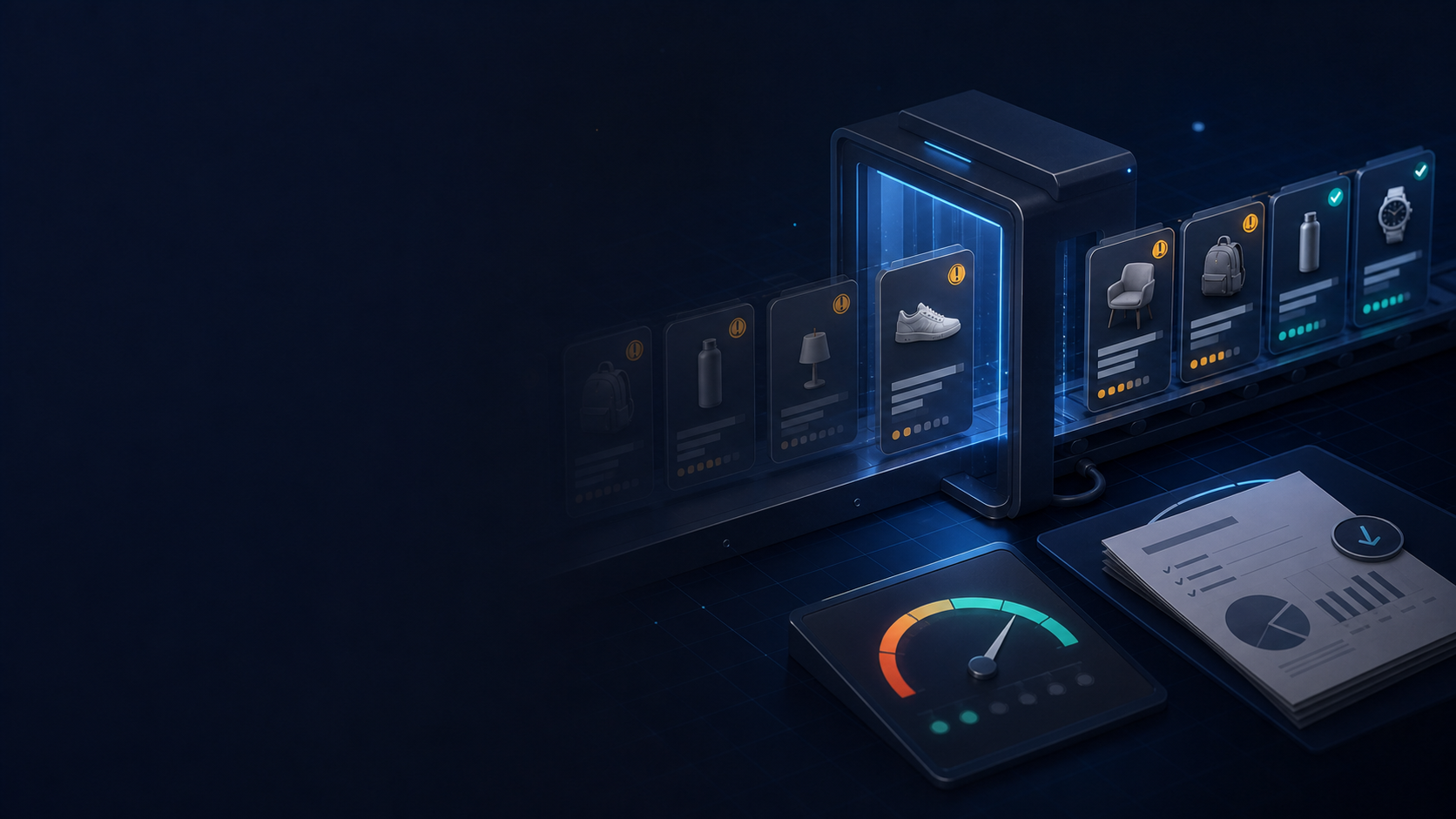
Results are grouped by product, with blocking risks placed at the top. Each finding identifies the affected field, explains why it matters, and gives a next step. When you are ready to make a correction, you can open the product in Shopify Admin rather than searching for it manually.
After a change, a focused rescan can verify the product again. Paid plans can also export the report as CSV, which is useful when an agency, catalog manager, or another team member owns the cleanup.
The value is not another score by itself. It is the shorter path from “the catalog may have problems” to a specific product, field, and action.
Where does it save time?
Manual checks become inconsistent as a catalog grows. A parent product may look complete while one color or size has no barcode, image, price, or available inventory. Shopify manages these details at product and variant level, as its documentation for product details explains.
MW Feed Audit is most useful at three points:
- before connecting or refreshing products for Google Shopping;
- after a catalog import or a large batch of product edits;
- when an agency needs a repeatable onboarding check and a report it can hand back to the merchant.
The app separates detection from correction. That makes it safer for stores that do not want an audit tool rewriting catalog content, but it also means a person still has to review and apply every change.
Which plan fits your catalog?
At publication, the Shopify App Store lists three plans:
- Free: one scan for up to 100 products, the top 10 products with issues, a Feed Health Score, fix recommendations, and links to open products in Shopify.
- Basic — $9 per month: unlimited manual scans for up to 1,000 products, the full issue report, CSV export, and product fix verification.
- Pro — $19 per month: scans for up to 10,000 products, weekly automated scans, scan history and comparisons, critical issue notifications, and CSV export.
The free plan is enough to see whether the findings are relevant to your catalog. Basic fits a merchant or agency running manual cleanup on a small or medium catalog. Pro is the better fit when recurring monitoring matters. Check the current listing before choosing because pricing and plan details can change.
What are the current limitations?
It does not connect to Google Merchant Center yet
As of July 20, 2026, MW Feed Audit does not synchronize through the Google Merchant API. It cannot read live Merchant Center diagnostics, inspect account-level policy issues, or submit product data to Google. That integration is planned, but there is no public delivery date to rely on when choosing the app today.
Use the app as a Shopify-side catalog audit. Continue to check Merchant Center separately because Google’s own Issues page remains the source of truth for item status, account issues, and Google-specific diagnostics.
It does not fix products automatically
Read-only access prevents surprise catalog changes. The tradeoff is manual work: MW Feed Audit tells you what to review and opens the relevant product, but it does not rewrite titles, descriptions, identifiers, prices, or inventory.
A clean scan cannot guarantee Google approval
Google evaluates more than the Shopify fields available to the app. Landing pages, checkout behavior, shipping, returns, policy compliance, account setup, and submitted feed data can also affect eligibility. A better Shopify catalog reduces avoidable data problems; it is not an approval guarantee. For a broader preparation process, use our Shopify Merchant Center readiness checklist.
Independent public evidence is still limited
The app is new, and its Shopify App Store page shows no reviews at publication. There is not yet enough public customer feedback to make claims about long-term results. The sensible test is to run the free scan on your own store and judge the findings before paying.
Who should install it?
MW Feed Audit is a practical fit if you:
- run a Shopify store that uses or plans to use Google Shopping;
- need to find catalog gaps without granting product write access;
- want critical findings separated from lower-priority cleanup;
- manage client catalogs and need a CSV worklist or recurring scan history.
It is not the right tool today if your main requirement is feed generation, automatic product editing, or direct Google Merchant Center synchronization.
A sensible first audit
- Install MW Feed Audit from the Shopify App Store.
- Run the first scan without changing your existing Google setup.
- Review the highest-priority findings and confirm that each recommendation fits the product.
- Make the correction in Shopify, then verify the product again.
- Check Merchant Center separately for feed, policy, website, and account-level issues.
If the scan exposes a larger catalog or integration problem, contact MerchWeave for a technical consultation. We can help distinguish straightforward product cleanup from work that belongs in the feed, theme, integration, or Merchant Center setup.