
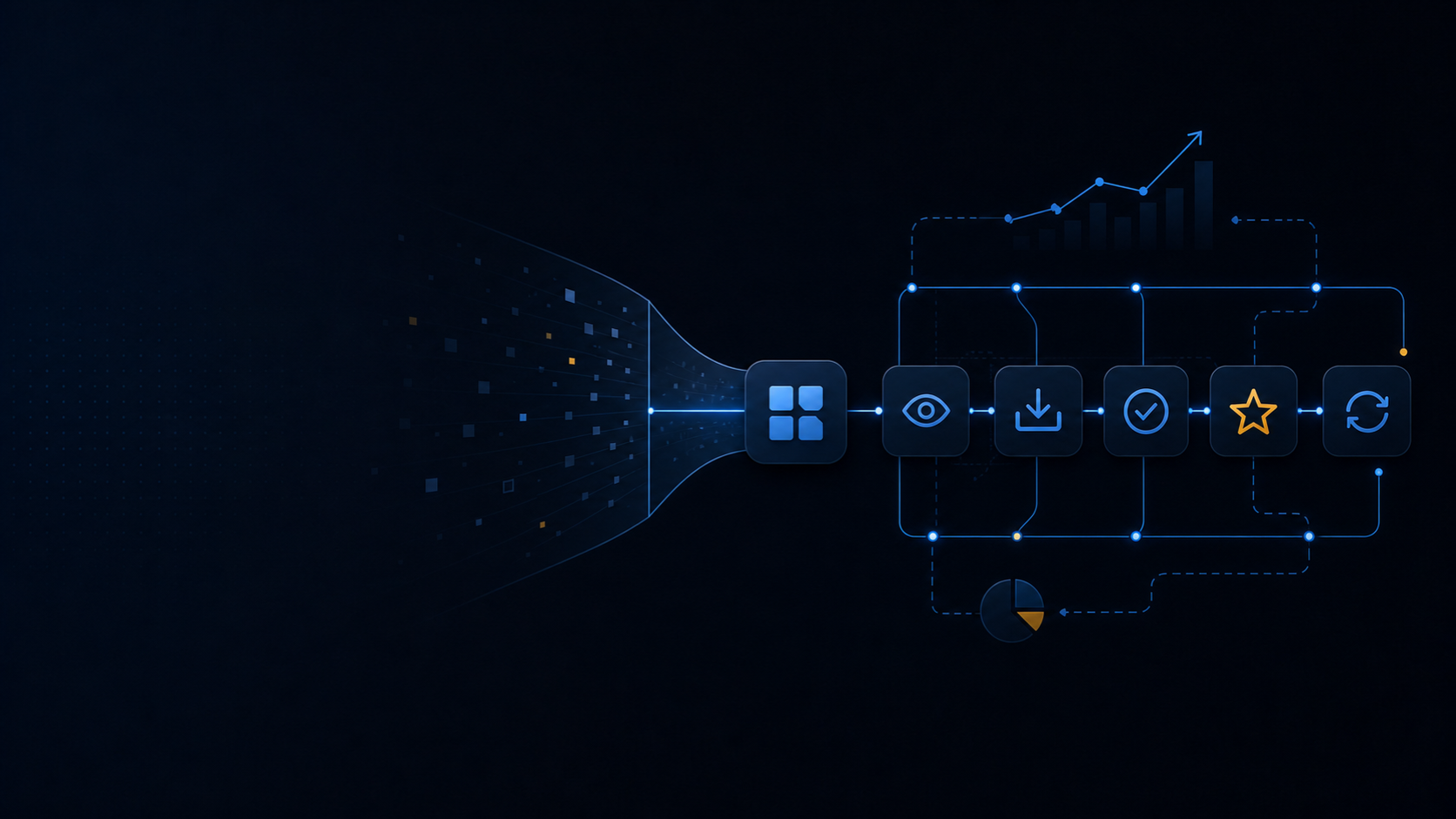
A Shopify app does not grow because it appears in the App Store. It grows when the right merchant recognizes a costly problem, trusts the listing, reaches value quickly, and keeps getting enough value to remain installed.
That makes promotion a product funnel rather than a launch-day campaign:
positioning → discovery → listing visit → install → activation → paid conversion → retention → referral
This guide is for both teams preparing a first public launch and owners of an app that already has installs. It combines Shopify’s current App Store guidance with a practical operating plan. It does not promise a universal conversion rate or a shortcut to ranking.
Shopify states the point plainly:
“Listing your app in the Shopify App Store is just the first step.”
Start with a narrow merchant problem
Promotion becomes expensive when the app is described as a bundle of features for every Shopify merchant. Start with one ideal customer profile and one urgent job.
Define the audience by operating conditions, not broad labels. A useful profile might include:
- store model, catalog size, order volume, markets, and sales channels;
- the person responsible for the workflow;
- the event that makes the problem urgent;
- the manual process, revenue risk, or operating cost the app replaces;
- the result the merchant can verify after installation;
- the current alternative, including spreadsheets, an agency, another app, or doing nothing.
A positioning sentence should be specific enough to exclude some merchants:
For [merchant segment] that needs [job], the app helps [measurable outcome] without [main cost or risk of the current approach].
Before launch, validate that sentence in conversations and usability sessions with prospective merchants. Ask them to show the current workflow and the last time it failed. Do not ask whether they like the idea.
For an existing app, use evidence already available: support conversations, sales objections, activation failures, uninstall reasons, high-retention cohorts, and the search terms that produce qualified listing visits. The merchants who activate and stay are usually a better positioning signal than the largest possible audience.
Instrument the funnel before buying traffic
You need to know where qualified demand disappears. Shopify lets partners connect Google Analytics 4 to an App Store listing. Its documented events include view_item for a listing detail view, add_to_cart for an Install click, and shopify_app_install for a completed install. Shopify notes that event parameters can take up to 24 hours to appear in analytics. See the listing traffic documentation.
Connect listing data to product analytics and billing data without identifying individual merchants in marketing reports. Track cohorts by acquisition source, intended use case, plan, and install month.
| Funnel question | Useful metric | Simple calculation |
|---|---|---|
| Does the listing persuade qualified visitors? | Listing-to-install rate | Completed installs ÷ listing views |
| Do installed shops reach first value? | Activation rate | Shops reaching the activation event ÷ completed installs |
| Does the value support the price? | Paid conversion | New paying shops ÷ eligible activated trials |
| Does value persist? | 30-day retained activation | Activated shops still active after 30 days ÷ activated shops |
| Is paid acquisition sustainable? | Customer acquisition cost | Attributed spend ÷ new paying customers |
| How quickly is acquisition recovered? | Payback period | Customer acquisition cost ÷ monthly gross profit per retained customer |
Define activation as an outcome, not a click. For a catalog-sync app, activation could be completing the first successful import and viewing product status. For a fulfillment app, it might be processing the first eligible order correctly.
There is no responsible universal benchmark for all Shopify apps. A free app for small catalogs and a high-priced B2B workflow app have different intent, sales cycles, margins, and retention patterns. Establish a baseline for your own funnel, then compare cohorts and changes against it.
Make the App Store listing convert
Shopify calls the listing the merchant’s first impression:
“Your app store listing is a merchant’s first impression of your app.”
The listing should let a qualified merchant answer six questions quickly:
- Is this built for a store like mine?
- What problem does it solve?
- What changes after I install it?
- How much will it cost in my likely usage range?
- What access, setup, or technical dependency is required?
- What evidence shows the product is real and maintained?
Use a distinct app name, a concise subtitle, clear benefit-led copy, accurate pricing, and screenshots of the actual interface. Show a short path from setup to outcome. State material limitations and compatibility requirements before the install rather than allowing support to reveal them later.
Shopify’s current requirements prohibit keyword stuffing and unsupported superlatives such as claiming to be the best, first, or only app. They also restrict statistics and data in listing content. Read the live requirements before every submission because they can change.
Keyword research still matters, but keyword volume is not the strategy. Start with high-intent language merchants use for the problem, the workflow, and the integration. Use a small set naturally in the title, subtitle, and details where accurate. Do not repeat terms to manufacture relevance.
For search pages outside the App Store, follow the same discipline. Google explains:
“The goal of the title link is to best represent and describe each result.”
That means a clear use-case title is more useful than a string of overlapping keywords.
Treat App Store ads as a controlled experiment
Shopify App Store ads can create faster discovery, but they should amplify a listing and onboarding flow you can already measure.
Shopify documents three ad types: search ads, category or subcategory ads, and homepage ads. Current desktop and mobile placements are:
| Placement | Desktop positions | Mobile positions |
|---|---|---|
| Search results | 4 | 3 |
| Category or subcategory pages | 4 | 2 |
| App Store homepage | 4 | 4 |
The system uses a first-price cost-per-click auction, so the winning advertiser pays its bid for a click. Search relevance also affects eligibility and rank. A high bid cannot make an irrelevant app a good result. See Shopify’s App Store ads overview.
Start with one segment and one intent cluster. Keep the first budget bounded by a maximum customer acquisition cost derived from gross profit and realistic retention, not by a competitor’s spend. Send traffic to the listing version that matches the query. Change one major variable at a time.
Shopify’s reports include impressions, clicks, click-through rate, average cost per click, installs, install rate, cost per install, new customers, customer acquisition cost, and return on ad spend. Install attribution uses a 30-day post-click window. Use the ad performance definitions before comparing the dashboard with a different analytics model.
Pause and diagnose when paid clicks do not become activated shops. More traffic will not repair a relevance mismatch, confusing permissions, slow setup, or an activation event that merchants cannot reach.
Create demand outside Shopify
External promotion should lead with the merchant problem, not with announcements about the app.
Build a small set of durable acquisition assets:
- a use-case page for each genuinely different high-value workflow;
- tutorials that help a merchant complete the job, with or without the app;
- integration pages that explain supported systems and limitations;
- fair comparison pages based on verifiable capabilities rather than competitor attacks;
- templates, checklists, or diagnostic tools that expose the problem clearly;
- live demos or webinars for workflows that need explanation;
- product updates that show what changed and who benefits.
Distribute those assets where the target merchant already looks for an answer: search, Shopify Community discussions where participation is appropriate, partner newsletters, industry groups, and relevant social channels. Contribute a complete answer before mentioning the product.
Agency partners can introduce the app when it solves a recurring client problem. Adjacent app partners can build a useful integration, shared guide, or webinar around a connected workflow. Give partners a precise profile of the shops that should and should not use the app, a test environment, implementation notes, and a direct support path.
Do not buy low-quality installs to manufacture momentum. Shopify says external traffic can contribute to App Store search position and may help an app appear in Trending, but the traffic still needs to become legitimate merchant adoption. The source is Shopify’s app marketing guide.
Ask for reviews after value, not during onboarding
Reviews can improve trust and App Store visibility, but the request must follow an earned result.
Good moments include:
- after the app completes its first meaningful job;
- after a merchant reaches a measurable milestone;
- after support resolves a problem and confirms the result;
- after repeated successful use, before the workflow becomes invisible.
Keep the prompt neutral, optional, and dismissible. Do not offer a discount, feature, service, or other incentive. Do not interrupt or block a merchant’s work. If the merchant declines, respect that choice rather than turning every session into another request.
Shopify’s review guidance says merchants can leave a 1–5 star review while the app is installed and for 45 days after uninstalling it. The overall rating is weighted using factors such as recency, usefulness, and trustworthiness; it is not a simple arithmetic average.
Shopify can generate review summaries after an app has at least 100 reviews with body text and a rating of at least 4.0. The summary can take up to 14 days to appear after eligibility. These are platform thresholds, not targets that justify pressuring merchants.
Respond to critical reviews with a concrete explanation or next action. Do not expose merchant data, argue about intent, or use a response as advertising. Repeated complaints are product research: tag the underlying cause and connect it to roadmap and onboarding decisions.
Make activation and retention part of acquisition
The cheapest qualified install is still wasted if setup delays the first result.
Reduce time to value with:
- a short setup sequence tied to the intended job;
- explicit explanations for requested permissions;
- safe defaults, sample data, or a test mode where appropriate;
- progress that shows what remains and why it matters;
- contextual help at the step where merchants get stuck;
- lifecycle messages triggered by incomplete setup, a completed result, or an error;
- a clear route to support and a clear uninstall path.
Use uninstall reasons carefully. Ask one optional question, allow a merchant to leave without friction, and separate product fit, missing capability, price, technical failure, and temporary use. Retention improves when the team fixes a repeated reason, not when cancellation copy becomes harder to navigate.
Built for Shopify can also reinforce acquisition. Shopify says the designation provides a badge, a search boost, and access to promotional opportunities. In Shopify’s survey, 81% of merchants said that highlighting performance, ease of use, integration, and safety in an App Store listing has a major effect on the apps they choose to install. See the Built for Shopify overview.
The current Built for Shopify requirements include at least 50 net installs from active shops on paid plans and at least 5 reviews, alongside quality requirements. For embedded admin apps, Shopify lists 75th-percentile performance targets of:
- Largest Contentful Paint at or below 2.5 seconds;
- Cumulative Layout Shift at or below 0.1;
- Interaction to Next Paint at or below 200 milliseconds;
- at least 100 calls over the previous 28 days for each metric.
Apps that affect storefront performance must not reduce the Lighthouse performance score by more than 10 points. Treat these numbers as product constraints, not promotional copy. Verify the current requirements before applying.
A practical 90-day operating plan
The following cadence is a recommendation, not a Shopify rule. Pre-launch teams can begin at day one. Existing apps should begin at the weakest measured stage rather than rebuilding everything.
| Period | Outcome | Main work | Gate before moving on |
|---|---|---|---|
| Days 1–30 | Clear positioning and measurable activation | Interview merchants, define the activation event, connect listing analytics, revise listing, remove setup blockers | Qualified test merchants understand the promise and can reach first value |
| Days 31–60 | Repeatable organic and partner discovery | Publish problem-led content, build use-case and integration pages, recruit a small partner set, ask for reviews after value | At least one channel produces activated shops, not only clicks |
| Days 61–90 | Controlled paid acquisition | Test one App Store ad intent cluster, compare cohorts, improve the weakest conversion step | Acquired customers fit the maximum CAC and retention assumptions |
Review the funnel every week, but avoid reacting to tiny samples. Record what changed, the segment affected, the expected result, and the date when enough data should exist to decide.
Diagnose the weak stage
| Signal | Likely problem | Next test |
|---|---|---|
| Few qualified listing impressions | Weak category or query fit, limited visibility, or unclear positioning | Narrow the target intent and align listing language with the actual job |
| Listing views but few installs | Promise, proof, price, permissions, or compatibility creates doubt | Test a clearer use-case narrative and show the real setup-to-result path |
| Installs but low activation | Onboarding is long, technical, or disconnected from the first outcome | Observe merchants setting up the app and remove the earliest repeated blocker |
| Activation but low paid conversion | Price does not match realized value or the free experience resolves the whole job | Segment by use case and test packaging against verified recurring value |
| Acceptable acquisition cost but high churn | The acquired segment has weak recurring need or the product is unreliable | Compare retained and churned cohorts by job, source, failures, and support history |
Do not optimize App Store rank in isolation. The useful outcome is a growing base of merchants who install for the right reason, reach value, pay at sustainable economics, and remain because the product keeps solving the job.
Build the product merchants can keep
Promotion cannot compensate indefinitely for a broad promise, fragile app, or slow first result. The durable loop is simple: understand a costly merchant problem, show the solution clearly, deliver value quickly, learn from retention, and reinvest in the channels that bring more of the right shops.
MerchWeave develops Shopify apps and integrations. If you need help turning a merchant problem into a reliable public app—from architecture and embedded UX to billing, extensions, and App Store review—discuss your app or see our Shopify app development services.