
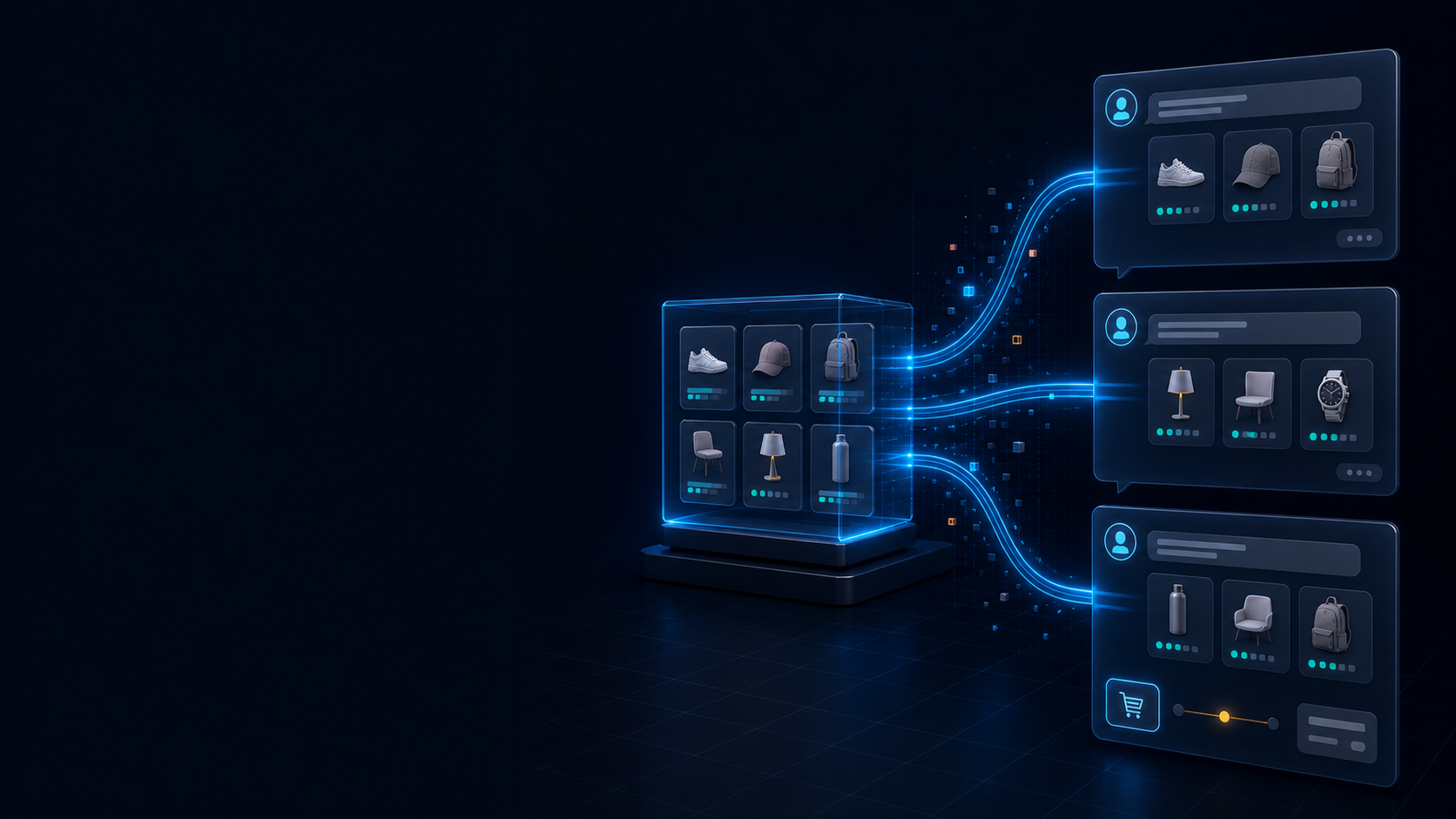
Agentic commerce is moving from a future concept to a real Shopify sales channel. A shopper can ask an AI assistant for a product, compare options, and move toward checkout without beginning on a traditional search results page or your homepage.
Shopify reports that in Q1 2026, orders attributed to AI search grew by nearly 13 times year over year, while sessions referred by AI chatbots grew by more than 8 times. Those figures describe Shopify-wide growth, not a guaranteed result for an individual store. They are still a strong reason to make your catalog ready before AI-referred demand becomes a larger part of your acquisition mix. Shopify published the figures in its agentic commerce guide.
The practical goal is not to replace your online store. It is to make the same product, policy, inventory, and checkout information understandable wherever a customer starts the conversation.
What Shopify has actually launched
Shopify groups its AI shopping connections under Agentic Storefronts. Eligible merchants can manage them from Sales channels > Agentic in Shopify admin. Shopify currently connects store catalogs with ChatGPT, Microsoft Copilot, Google AI Mode and Gemini, plus Meta surfaces. However, discovery and checkout do not work identically in every channel. Shopify’s Agentic Storefronts overview explains the current channel model.
| Channel | Product discovery | Where checkout happens | Current access notes |
|---|---|---|---|
| ChatGPT | Products can appear through Shopify Catalog | The merchant’s Shopify checkout opens in an in-app browser on mobile or a new tab on desktop | Eligible stores must sell to US customers; discovery is active by default |
| Microsoft Copilot | Products can appear through Shopify Catalog | Eligible purchases can use Shopify-powered direct checkout in Copilot | Currently focused on US customers and eligible products |
| Google AI Mode and Gemini | Products are synced through the Google & YouTube channel | Eligible US shoppers can use direct checkout; other shoppers can be referred to the store | Early access and not available to every store |
This distinction matters. It would be inaccurate to say every Shopify purchase is completed inside the AI conversation. In ChatGPT, product discovery can begin in the chat, but the customer completes the purchase in your Shopify checkout. Shopify documents the ChatGPT flow here.
Should your store enable Agentic Storefronts now?
For an eligible direct-to-consumer store with standard products and a conventional Shopify checkout, the default settings are a sensible starting point. The cost of testing is relatively low: Shopify says there is no additional transaction fee for Agentic Storefronts beyond normal payment processing, and Shopify remains the merchant of record.
Use more deliberate channel controls if your revenue depends on subscriptions, bundles, personalized products, B2B pricing, local pickup, local delivery, checkout upsells, required custom fields, or browser-based analytics. Some of those features are unavailable in direct checkout on Copilot or Google, even though customers can still discover products.
The default setting, Allow Shopify to manage for me, enables supported channels, allows direct checkout where available, and can automatically enroll the store in future channels. If that is broader than you want, turn it off and control Catalog access, automatic enrollment, and direct checkout separately. Shopify explains the controls and reporting in its management guide.
Step 1: Review access, consent, and data sharing
Open Sales channels > Agentic in Shopify admin and review each channel before treating it as active acquisition.
Check the following:
- The store owner or an authorized staff member has accepted Shopify’s supplemental terms.
- Catalog sharing is enabled only for the channels you intend to use.
- Direct checkout is enabled only where your products and checkout behavior are compatible.
- Automatic enrollment in future channels matches your internal approval process.
- Your privacy notice accurately describes how order and customer data are processed.
Product discovery channels receive product information. When a customer uses direct checkout, the channel also needs contact, shipping, and order information to complete the transaction. Shopify says private admin data, the full customer database, and complete order histories are not shared with AI channels. Review Shopify’s data-sharing details before enabling direct checkout.
Disabling Catalog sharing is not always immediate. Shopify notes that product data can take up to seven days to disappear from a channel. Also, opting out of Shopify Catalog does not prevent an AI service from discovering public pages through normal web crawling.
Step 2: Check eligibility channel by channel
Do not assume that seeing Agentic Storefronts in admin means every capability is available.
ChatGPT
The store must sell to customers in the United States, although the business itself can be based elsewhere. Products must be eligible for Shopify Catalog, required terms must be accepted, and the store must publish its terms of service, privacy policy, and return policy. ChatGPT does not currently expose a separate direct-checkout switch because the purchase moves to the merchant’s Shopify checkout.
Microsoft Copilot
The store must sell to US customers, products must qualify for Shopify Catalog, and required policies and terms must be complete. Catalog discovery is enabled for eligible stores, while Shopify-powered direct checkout is limited to eligible products and US customers. Shopify maintains the current Copilot requirements and limitations.
Google AI Mode and Gemini
Google access is still early access. An eligible store must be based in the United States, United Kingdom, Australia, or Canada and sell to customers in its home market. It also needs the Google & YouTube sales channel with automatic product and shipping sync. Direct checkout is currently shown to eligible US customers; other supported customers can discover a product and continue to the store. Shopify lists the current Google eligibility rules.
Requirements can change as access expands. Treat the channel pages in Shopify Help as the source of truth before rollout.
Step 3: Make product data understandable to AI agents
An AI assistant cannot infer a reliable recommendation from an attractive product page alone. Shopify Catalog distributes structured fields including product titles, descriptions, options, images, prices, availability, and key attributes. That data needs to be complete and consistent.
Audit your highest-value and highest-traffic products first:
- Use titles that identify the product without relying on collection context.
- Explain material, size, fit, use case, compatibility, and care where relevant.
- Give every variant a meaningful option value; avoid placeholders such as Default Title.
- Add clear images for important variants and angles.
- Keep price, inventory, and availability accurate.
- Assign the correct product category and attributes.
- Publish shipping, return, privacy, and terms pages.
- Include important legal or safety disclosures near the beginning of the description.
For ChatGPT, Shopify says required legal disclosures should appear within the first 6,000 characters of a product description. Burying a restriction at the end of a long marketing narrative can make a product ineligible or create a poor recommendation.
If essential data lives in metafields, metaobjects, tags, or custom title logic, use Catalog Mapping to connect it to the standard fields that agents receive. Shopify also provides a search preview and listing-quality indicators for descriptions, image coverage, verified reviews, variants, and policies. The preview is directional: each AI channel can re-rank results based on the shopper’s request.
Shopify automatically serves /agents.md, /llms.txt, and /llms-full.txt for stores. You do not need a third-party app merely to create these files. More importantly, Shopify Catalog remains the authoritative product feed for Agentic Storefronts, so structured catalog quality should come before experimental AI-search tactics. Shopify documents Catalog data, mapping, visibility, and the generated files.
Step 4: Audit checkout dependencies before direct checkout
The safest test is to compare the order path in each AI channel with the behavior customers receive on your online store.
ChatGPT sends the buyer into the merchant’s Shopify checkout, so the normal checkout experience remains central. Google and Copilot direct checkout have more explicit limitations. At the time of writing, direct checkout does not support subscriptions, bundles, customizable products, B2B-only products, local pickup, or local delivery. Some checkout blocks, upsells, and required custom fields are also unsupported.
Browser pixels do not run inside Google or Copilot direct checkout. Shopify sends server-to-server checkout-started and checkout-completed events, but a reporting setup that relies only on Google Analytics or custom browser pixels can undercount or misclassify the journey. Shopify Functions and Shopify discounts are supported, but each commercially important rule should still be tested against an eligible product.
Create a small compatibility matrix for your main product types:
| Product or flow | Discoverable | Direct checkout compatible | Required action |
|---|---|---|---|
| Standard one-time product | Usually | Usually | Test price, shipping, discount, and tax |
| Subscription | Potentially | No | Keep purchase on the online store |
| Bundle or personalized item | Potentially | No | Confirm how the channel routes the customer |
| Product requiring a checkout field | Potentially | Depends on the customization | Remove direct checkout or redesign the requirement |
| Local pickup or delivery | Potentially | No | Route purchase to the store checkout |
Step 5: Protect the customer experience
AI discovery makes operational clarity more important, not less. A recommendation can be technically accurate and still produce a bad order if shipping limits, return conditions, sizing, compatibility, or product restrictions are unclear.
Before launch, confirm that:
- Shipping prices and delivery expectations match the markets you serve.
- Return and refund rules are current and easy to understand.
- Product descriptions do not contradict variants or inventory.
- Customer support can identify orders referred by an AI channel.
- Restricted or unlisted products have the intended visibility.
Setting a product to unlisted hides it from Shopify AI channels, search engines, the sitemap, and storefront search. Catalog opt-out is different: public pages may still be found on the open web. Choose the control that matches the reason for hiding the product.
Step 6: Measure a controlled launch
Do not use Shopify’s 8-times traffic and 13-times order growth as your store forecast. Establish your own baseline and compare performance by channel.
Track at least:
- AI-referred sessions and orders;
- conversion rate;
- average order value;
- discount usage;
- cancellations, returns, and refunds;
- support contacts caused by missing product or policy information;
- abandoned checkouts where reporting is available.
Shopify’s Agentic Storefronts analytics reports sales, orders, online store sessions, and conversion data. It groups some traffic into referral and direct-checkout categories, so pair it with order tags, payment data, and your broader reporting model. The built-in Agentic analytics is not currently available for headless stores.
A practical 30-day rollout
Week 1: Control the channel settings
Review consent, automatic enrollment, Catalog access, direct checkout, policies, markets, and data-sharing responsibilities.
Week 2: Improve a representative product set
Choose 20 products that cover your main categories, price ranges, variant structures, and fulfillment rules. Fix titles, descriptions, attributes, images, and disclosures. Use Catalog Mapping where custom data carries buying context.
Week 3: Test the buying paths
Test discovery and checkout with standard products, discounts, shipping destinations, taxes, Shopify Functions, and any must-have checkout customization. Document which products should remain discovery-only.
Week 4: Launch and review
Enable the intended channels, monitor orders and support issues, and compare performance with your baseline. Expand catalog work only after the first product set behaves correctly.
When custom integration work is justified
Most eligible merchants do not need a custom app simply to appear in Agentic Storefronts. Custom work becomes valuable when the standard setup cannot represent or measure a real business requirement, such as:
- mapping proprietary metafields or metaobjects into agent-readable product data;
- separating products that are safe for discovery from products that are safe for direct checkout;
- adapting checkout-dependent promotions or Shopify Functions;
- reconciling channel attribution with server-side analytics and internal reporting;
- connecting a custom shopping agent through Shopify’s commerce APIs.
Start with the native channel. Add integration work only where a documented gap affects product eligibility, customer experience, or measurement.
Agentic commerce readiness checklist
- [ ] Open Sales channels > Agentic and review every available channel.
- [ ] Decide whether Shopify should auto-enroll future AI channels.
- [ ] Accept the required terms and publish complete store policies.
- [ ] Confirm eligibility for ChatGPT, Copilot, and Google separately.
- [ ] Audit titles, descriptions, variants, images, attributes, price, and inventory.
- [ ] Move required disclosures into the first 6,000 description characters.
- [ ] Map important custom product data into Shopify Catalog.
- [ ] Identify subscriptions, bundles, personalized items, B2B products, and local fulfillment flows.
- [ ] Test discounts, Shopify Functions, shipping, tax, and checkout dependencies.
- [ ] Establish a reporting baseline before enabling or expanding channels.
- [ ] Monitor conversion, order quality, returns, and support issues after launch.
Get ready before AI traffic reaches your catalog
Agentic commerce does not remove the need for a strong Shopify storefront. It changes where product discovery begins and raises the standard for structured product data, explicit policies, checkout compatibility, and attribution.
If you want a channel-by-channel readiness review or help mapping custom catalog and checkout requirements, book an agentic commerce integration consultation with MerchWeave. We can define the smallest practical rollout for your store without pretending every AI channel works the same way.
Frequently asked questions
Can customers complete a Shopify purchase directly inside ChatGPT?
Not as a native direct-checkout flow at the time of writing. ChatGPT can recommend products using Shopify Catalog, then opens the merchant’s Shopify checkout in an in-app browser on mobile or a new tab on desktop.
Are Agentic Storefronts enabled automatically?
Eligible stores use Shopify-managed settings by default, including Catalog sharing and supported checkout options. Google AI Mode and Gemini remain early access, so availability varies. Review the settings instead of assuming every channel is live.
Do I need a third-party app to make Shopify products visible to AI agents?
No app is required for the native Agentic Storefronts setup. Shopify Catalog supplies structured product data, and Shopify automatically serves its AI-facing text files. An app or custom integration is useful only when your store has a specific data, checkout, or reporting gap.
Can I disable an AI shopping channel?
Yes. You can control Catalog access and, where supported, direct checkout from Agentic Storefronts settings. Product removal can take up to seven days, and public pages may still be discovered through ordinary web crawling.
Primary sources
- Shopify: Agentic commerce executive guide
- Shopify Help: Agentic Storefronts
- Shopify Help: Manage Agentic Storefronts
- Shopify Help: Products and discovery
- Shopify Help: ChatGPT
- Shopify Help: Microsoft Copilot
- Shopify Help: Google AI Mode and Gemini
- Shopify Help: Data sharing and privacy
MerchWeave field note: This guide is based on Shopify’s current product documentation and public rollout details. Channel availability and checkout support can change, so verify the live settings in your Shopify admin before launch.