
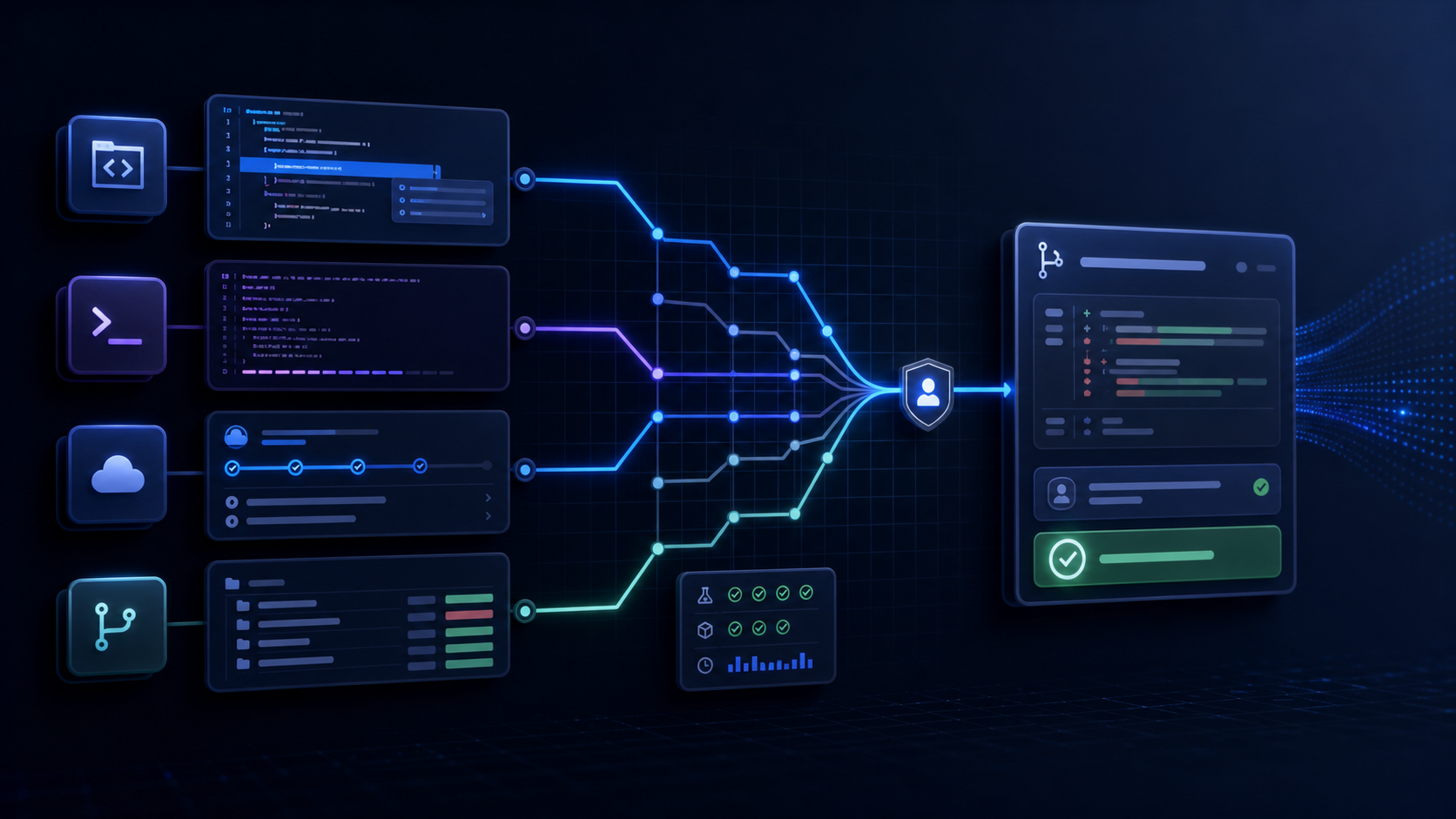
The best AI coding tool is not a permanent winner. It is the tool that fits a team’s repository, execution environment, review process, security boundary, and most common tasks.
Interest is real: Google’s Artificial Intelligence Search Trends lists best AI for coding as the leading US search in its 2025 best-AI-for category. By September 2026, the practical problem is no longer finding a product that can generate code. It is choosing a workflow that produces reviewable changes with less total effort.
This guide compares four widely discussed options without using volatile benchmark rankings or temporary promotional pricing.
Start with the coding workflow
Most AI coding work falls into four surfaces.
Inline editor assistance
Best for small completions, local explanations, quick transformations, and keeping a developer in the editor. The developer chooses each step and sees the immediate context.
Interactive repository agent
Best for tracing behavior across files, implementing a bounded change, running commands, and iterating after test failures. The agent needs repository instructions, tool access, and a clear acceptance check.
Background or cloud task
Best for independent work that can run in an isolated environment and return a branch or pull request. It can reduce waiting, but the environment, dependencies, permissions, and review gate must be explicit.
Repository-native issue and pull-request workflow
Best when the team already organizes work in issues, branches, checks, and reviews. Integration can reduce handoffs, while governance and licensing may become organization-wide decisions.
Do not buy a tool before deciding which surface removes the most friction.
Four tools and where they fit
OpenAI Codex
OpenAI’s current Codex use cases cover codebase exploration, feature work, testing, refactoring, migrations, security review, data tasks, and repeatable workflows. Codex is a strong candidate when the desired unit of work is a repository task with files, commands, checks, and a reviewable result.
Evaluate it on the environments and integrations your team actually intends to use. A broad product capability is not proof that it will understand a particular architecture or pass a project’s checks.
Claude Code
Anthropic documents Claude Code as an agentic assistant that runs in a terminal, reads project context, uses command-line tools, edits files, and works through an agentic loop. Its documentation also describes local, cloud, and remote-control execution plus terminal, desktop, IDE, web, Slack, and CI/CD interfaces.
It is a natural candidate for terminal-first teams that want an interactive repository agent and need to evaluate permissions, checkpoints, context files, and extension points.
GitHub Copilot
GitHub’s Copilot documentation spans inline suggestions, chat, coding agents, code review, custom agents, agent skills, automations, and cloud or local sandboxes. It is a natural candidate when GitHub issues, pull requests, policy, and organization administration are central to the development workflow.
Test both the developer experience and the organization experience. License assignment, policy control, model availability, auditability, and pull-request quality can matter as much as completion speed.
Gemini CLI
Google’s open-source Gemini CLI reference documents interactive and non-interactive terminal use, resumable sessions, extensions, skills, agents, memory files, and MCP configuration.
It is a useful candidate for teams that prefer an open-source, terminal-centered interface and want scriptable entry points. The repository, selected model, account terms, and configured extensions still determine the real security and quality profile.
A fair seven-task evaluation
Create a disposable branch or repository copy. Give every tool the same project instructions and the same seven tasks:
- explain one request path across at least three files;
- fix a small reproduced bug;
- add one focused test for the bug;
- implement a bounded feature with an acceptance criterion;
- refactor a module without changing behavior;
- review a prepared change for correctness and security;
- update a short piece of documentation from the final code.
Use tasks from your actual backlog after removing secrets and personal data. Toy prompts reward fluency; real repository tasks reveal context handling, command discipline, and review cost.
Reset the repository between tools. Keep model effort, time budget, network access, and available commands as comparable as the products allow. Do not rescue one tool with extra hints unless every tool receives the same clarification.
Score the result, not the demo
Use a one-to-five score for:
- time to a correct, reviewable result;
- files changed unnecessarily;
- architectural fit with existing conventions;
- factual accuracy when explaining the code;
- test quality and successful validation;
- ability to recover from a failed command or wrong assumption;
- clarity of the final summary;
- permission and network discipline;
- ease of steering and interruption;
- human review and correction time.
Record hard failures separately: fabricated files, skipped checks, exposed secrets, destructive actions, silent scope expansion, insecure code, or a change that passes a narrow test while breaking the requested behavior.
The most important metric is total accepted-work time:
setup + prompting + run time + review + correction + rerun
A fast first answer can lose to a slower result that needs little correction.
Test context and instructions
AI coding agents perform better when the repository states:
- build, test, lint, and formatting commands;
- architecture and directory boundaries;
- code style and dependency policy;
- security constraints and forbidden files;
- definition of done;
- expected final report;
- rules for destructive actions, commits, and deployment.
Keep instructions short enough to maintain. Examples and executable checks are stronger than broad requests to follow best practices.
Check the security boundary
Before granting repository access, answer:
- Does code run locally, in a vendor cloud, or both?
- Which files, commands, network destinations, and external tools are available?
- Can the tool read secrets or personal data?
- Are write operations isolated in a branch, sandbox, or worktree?
- Can administrators set policies and review usage?
- What data is retained, and under which account terms?
- Is human approval required before external or destructive actions?
- Can the team reproduce and audit the final change?
Product behavior and terms change. Confirm current vendor documentation and organization settings during the evaluation instead of relying on a comparison article.
Choose one primary workflow, then keep an exit path
Select the tool that wins the team’s most valuable repeatable tasks. A developer may still use inline help for small edits and a repository agent for larger work; standardization does not require forcing every task through one interface.
Keep repository instructions portable. Keep tests runnable without the agent. Review normal code changes in normal version control. Avoid building critical operations around proprietary features before the team can measure their value.
Re-run the evaluation when the repository, model, product controls, or team workflow changes. A 2026 choice is a measured operating decision, not a lifetime ranking.
Need help evaluating AI development workflows?
MerchWeave builds and modernizes custom software with reviewable engineering practices. Contact us to design a repository-based AI tooling pilot.
Sources and update note
- Google Trends: Artificial Intelligence Search Trends
- OpenAI Developers: Codex use cases
- Anthropic: How Claude Code works
- GitHub Docs: GitHub Copilot documentation
- Google: Gemini CLI reference
The product descriptions above were reviewed on August 18, 2026. Features, models, plans, limits, data controls, and execution environments can change; verify the current official documentation before selecting a tool.