
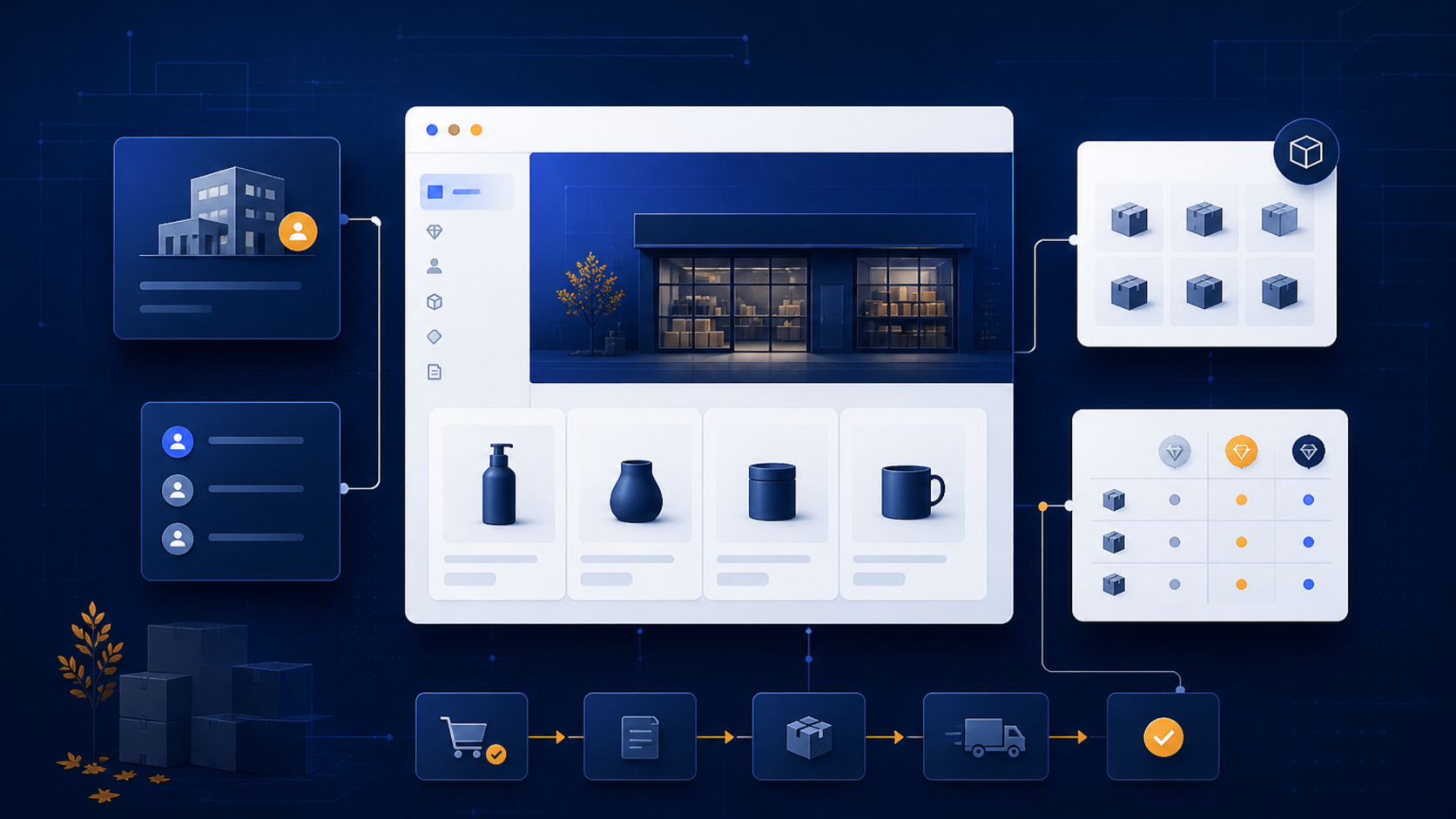
Autumn planning is a useful moment to review a Shopify B2B storefront before wholesale buyers become dependent on it for the next sales cycle. The important question is not whether a store has a B2B label. It is whether each company, location, price list, payment rule, and order handoff behaves consistently.
This checklist separates what Shopify has confirmed from recommendations for merchants. It is written for small and medium-sized businesses that are adding wholesale sales to an existing store, rebuilding a B2B storefront, or connecting Shopify to internal systems.
What Shopify has confirmed for 2026
In April 2026, Shopify announced B2B for all. Shopify says foundational B2B functionality is available to merchants on Basic, Grow, and Advanced plans at no additional cost, while Shopify Plus continues to include additional B2B capabilities. Plan availability and limits still matter, so do not treat the announcement as proof that every B2B feature behaves the same on every plan.
Shopify’s B2B feature documentation describes companies and company locations, customer accounts, payment terms, catalogs, quantity rules, and reorders. These are the building blocks to verify before adding custom code.
Start with the commercial model
Write down how a wholesale order should work before opening the theme editor. Define:
- who the buying company is;
- which people can place orders for that company;
- whether one company has multiple shipping or billing locations;
- which products and variants each location can see;
- how prices, currencies, minimum quantities, and payment terms differ; and
- where the order must go after Shopify receives it.
This model prevents a common implementation mistake: using theme code to compensate for an unclear business rule. A custom theme can explain the rules and make the buying flow easier, but it should not become the only place where pricing or company permissions are defined.
Build catalogs around real buying rules
Shopify’s catalog documentation says that catalogs control products and pricing for B2B customers. It currently documents up to three active catalogs across all B2B markets on Basic, Grow, and Advanced, while Plus supports unlimited catalogs and direct assignment options. Treat those limits as confirmed product behavior, and re-check the documentation when your store plan or market structure changes.
For each catalog, create a short decision record:
- customer segment or company group;
- market and currency;
- included products and variants;
- fixed prices, price lists, or volume pricing;
- minimum and maximum quantities;
- shipping and fulfillment assumptions; and
- owner responsible for future updates.
Our recommendation is to start with the smallest useful catalog matrix. If two groups share the same products, price logic, and ordering rules, keep them together until a real operational requirement justifies another catalog. Extra catalogs create extra QA and maintenance work.
Audit accounts, payment terms, and reorders
A B2B buyer should be able to sign in, see the correct company context, find the right products, and understand what happens after checkout. Test the complete path with a real test company and at least two locations:
- invite or activate the buyer account;
- sign in on desktop and mobile;
- confirm the company and location shown in the account area;
- verify catalog visibility and prices;
- add products using the required quantities;
- place an order with the configured payment terms; and
- confirm the order, reorder, and support paths.
Do not test only the happy path. Try a buyer with access to one location, a product that is excluded from the catalog, a quantity below the minimum, and an order that needs manual review. Record the expected result before testing so a failure is easy to classify as a configuration issue, a theme issue, an app issue, or an integration issue.
Put custom work in the right layer
Use Shopify configuration for rules that Shopify already owns. Use a custom theme when the main problem is presentation: company-specific guidance, clearer quantity messaging, a better account navigation pattern, or a more useful wholesale product template.
A private app or custom app is more appropriate for business logic that must be repeatable and auditable, such as a buyer approval queue, a company-specific workflow, or a controlled bulk operation. An integration is the right boundary when product, inventory, customer, order, or payment data must move between Shopify and an ERP, PIM, WMS, CRM, or internal system.
That division is a recommendation, not a Shopify requirement. The simplest reliable design is usually the one that leaves native B2B rules in Shopify and adds custom code only where the store has a documented gap.
Shopify B2B autumn 2026 checklist
- Confirm the store plan and the B2B capabilities available to it.
- Map companies, locations, buyers, catalogs, markets, and currencies.
- Document price, quantity, payment-term, shipping, and approval rules.
- Test customer accounts on desktop and mobile.
- Test an excluded product, an invalid quantity, a location change, and a reorder.
- Review every app and integration that reads or writes B2B data.
- Assign an owner for catalog maintenance and a date for the next QA pass.
Need help implementing the store?
If the native B2B setup is close but the buying experience, theme, app workflow, or back-office handoff needs custom work, MerchWeave can help with Shopify store development, custom themes, apps, and integrations. Contact us to scope the B2B implementation around your current plan and systems.
Sources and update note
The plan capabilities and product behavior above are based on Shopify’s published pages reviewed on August 8, 2026. The testing sequence and architecture suggestions are recommendations for merchants, not additional Shopify requirements.