
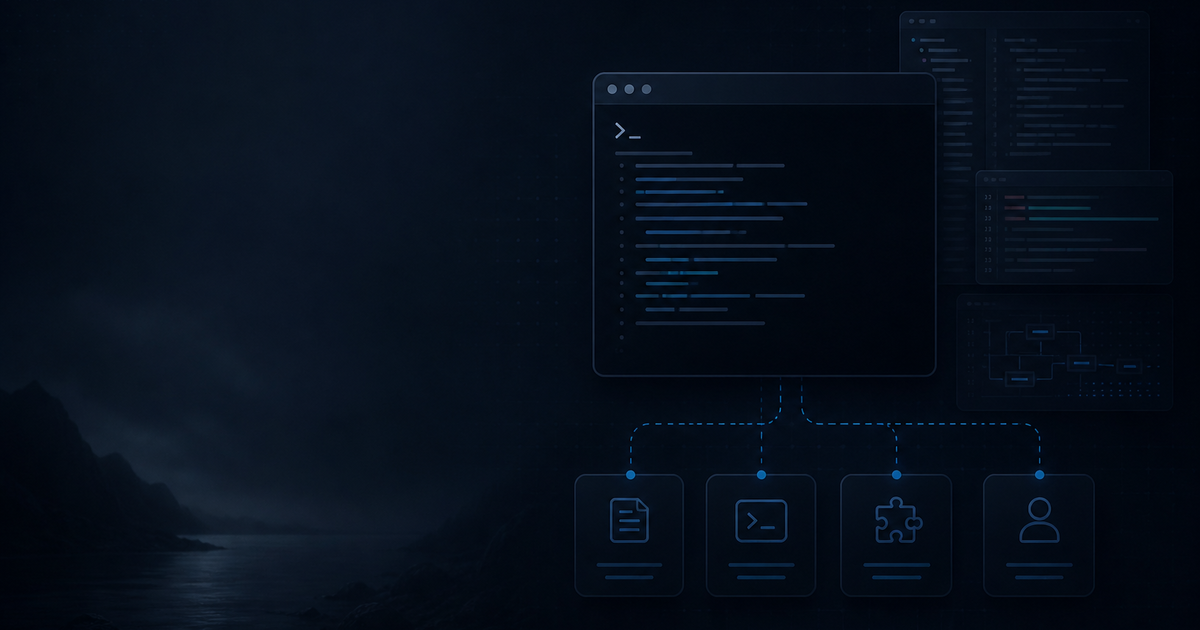
Most coding-agent demos stop at generating a function. Real projects are harder: the agent must understand repository rules, avoid sensitive files, choose the right tools, and leave behind a change that can be checked by a human.
Pi takes a deliberately small approach. It is a terminal coding harness whose core can be extended with TypeScript extensions, skills, prompt templates, and themes. That makes it useful for developers who want an agent workflow they can inspect and adapt instead of a large collection of hidden defaults.
This is not a claim that Pi replaces an IDE or every other coding agent. It is a practical method for using a terminal-first agent on a real repository.
What Pi is—and what it is not
Pi’s documentation describes it as a minimal terminal coding harness. The command runs in a project directory, reads the available context, and can use tools to inspect and modify files. Its small core is intentional: project-specific behavior belongs in instructions, skills, and extensions.
That separation is valuable when a team wants repeatability. A repository can define conventions such as file locations, validation commands, security rules, and accessibility expectations without encoding all of them into every prompt.
Pi is not an autonomous deployment system. It should not receive production credentials or broad permissions just because it can edit files. Treat it as a development tool operating inside a controlled workspace.
The four layers of a reliable workflow
1. Repository instructions
Start with a concise project instruction file. State the framework, important directories, naming conventions, commands, and files that must never be touched. Keep rules operational: “run npm run check after Svelte changes” is more useful than “write high-quality code.”
2. Skills for repeatable tasks
Use skills for work that has a recognizable process, such as publishing a blog article, auditing SEO, or preparing a handoff. A skill should define prerequisites, research requirements, file conventions, and verification steps. This turns a vague request into a bounded procedure.
3. Extensions for tools and behavior
Pi supports TypeScript extensions. An extension can add a focused tool, alter a workflow, or integrate a project-specific command. Keep extensions narrow and auditable. A small tool that reads a deployment checklist is safer than an extension that can execute arbitrary external actions. The official examples show extension patterns.
4. Human checkpoints
The agent should pause before irreversible actions: sending data, deploying, deleting records, changing accounts, or publishing externally. Planning and implementation can be fast; permissions and final review should remain explicit.
A practical Pi loop for existing repositories
Use a five-step loop:
- Explore: identify the relevant route, component, server module, and existing conventions.
- Plan: state the smallest change, affected files, risks, and checks.
- Implement: make targeted edits rather than rewriting unrelated files.
- Check: run the project’s type checker, tests, or build command.
- Report: list changed files, checks, and anything not verified.
The loop matters because code generation is only one part of software work. The surrounding context—where a change belongs, what must remain untouched, and how success is measured—usually determines whether the result is usable.
Why terminal-first can work well for Shopify projects
Shopify projects often cross boundaries: theme code, app extensions, server routes, API clients, feeds, and deployment configuration. A terminal agent can inspect those files together, search for a data flow, and apply a change across the appropriate layers.
That advantage has limits. A visual theme change still needs browser inspection. A checkout or payment change needs a test store and an explicit approval path. An API migration needs the current Shopify documentation, not only repository context. Pi can accelerate the work, but it cannot make an unverified integration safe.
A minimal project brief
Before asking Pi to implement a feature, provide:
- the user-visible outcome;
- the route or workflow involved;
- constraints and files to preserve;
- the command that defines “done”;
- whether research is required;
- actions that require confirmation.
For example: “Add a product-feed validation warning to the admin screen. Inspect the existing feed parser first. Preserve the current API response. Run type checking. Do not publish or deploy.” This gives the agent a decision boundary, not just a desired output.
Common failure modes
The agent edits too early. Require exploration and a short plan before implementation.
Instructions are contradictory. Keep one authoritative rule for each concern and remove stale project guidance.
The task is too broad. Split migrations, redesigns, and integrations into reviewable slices.
Checks are skipped. Put validation commands in the project instructions and require them in the final report.
Sensitive context leaks into prompts. Never place API keys, customer data, private certificates, or production configuration in agent-readable task text.
Pi is most useful when the workflow is the product
The strongest reason to try Pi is not that it writes code faster in a demo. It is that the workflow is visible: instructions define context, skills define repeatable processes, extensions define bounded capabilities, and human checkpoints define authority.
For a team, that structure can make AI-assisted development easier to review and easier to improve. If you need help designing a controlled development workflow for a Shopify project, talk to MerchWeave.
Sources
This article describes Pi’s documented architecture as reviewed on August 19, 2026. Commands, providers, extensions, and subscription options can change; check the current documentation before setting up a workflow.