
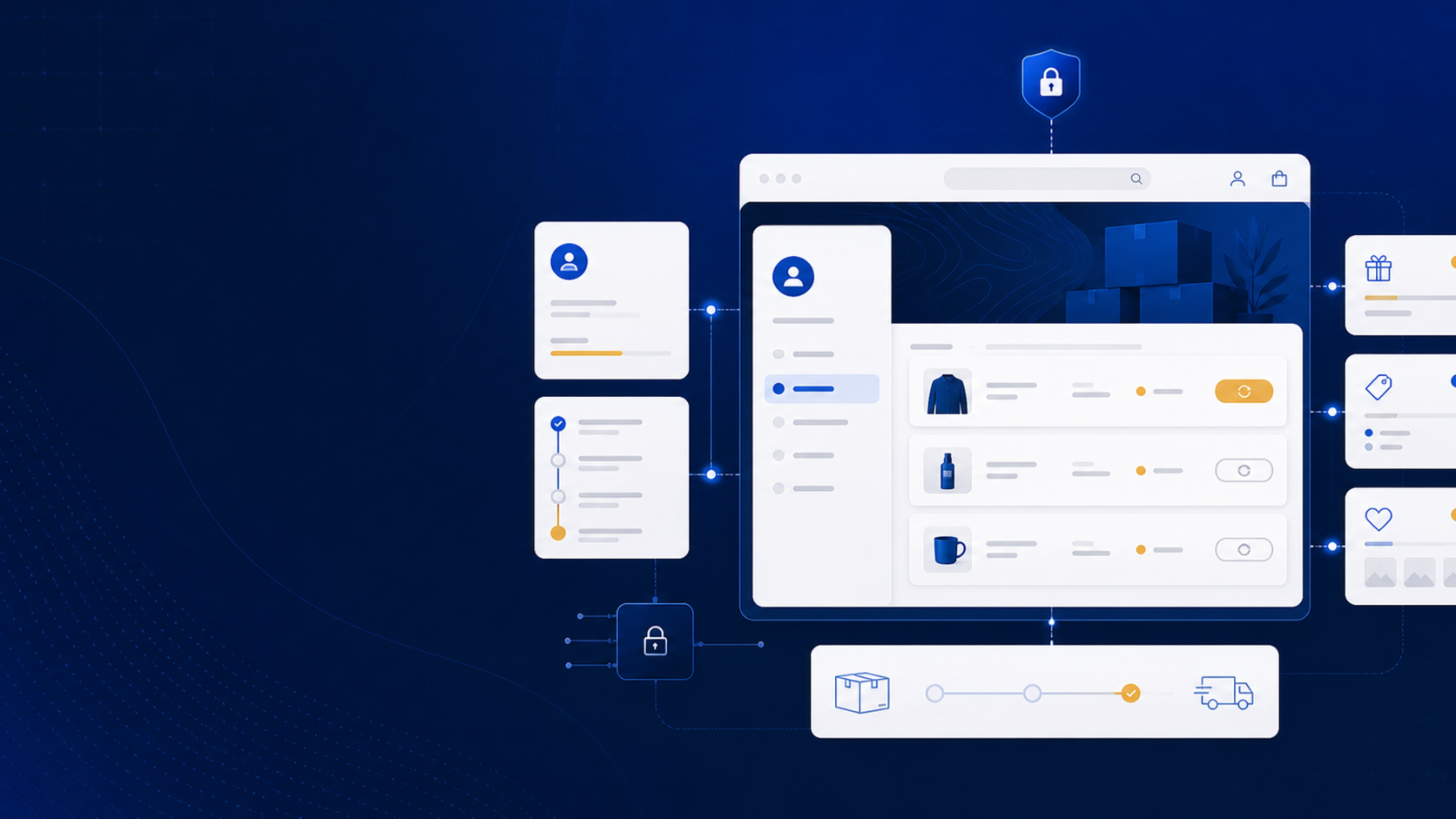
Customer accounts sit at the intersection of theme code, checkout, B2B ordering, support, and custom extensions. In autumn 2026, Shopify merchants should audit that whole journey instead of treating the account link in the header as a small theme detail.
Shopify has confirmed the direction of the platform. The final timing for every store’s transition still needs to be verified against Shopify’s current documentation and the store’s configuration.
What Shopify has confirmed
Shopify’s February 26, 2026 developer changelog says legacy customer accounts are deprecated. Shopify says they are unavailable to new stores and to existing stores that are not already using them, with no feature updates or support. The same page says a final sunset date will be announced later in 2026.
As of August 8, 2026, do not invent a final sunset date for a migration plan. Use the deprecation notice as a reason to audit now, and check Shopify’s documentation again before scheduling a hard cutover.
Shopify also published a theme requirement for the shopify-account component on July 30, 2026. New themes and updates submitted to the Theme Store must include the component in the header and make it visible on desktop and mobile. That is a theme submission requirement; it is also a useful signal for any custom theme audit.
Find every legacy assumption
Start with the theme repository and the store settings. Search for legacy customer account templates, links, redirects, login forms, order-history markup, and scripts that assume a particular account URL. Then list every app or integration that depends on customer identity, orders, addresses, company locations, or account events.
For each item, record:
- the customer-facing page or flow;
- the theme or app code responsible;
- the data it reads or writes;
- the intended replacement behavior; and
- the person who will test it after the change.
Do not remove old code just because a new account component is available. First confirm which account experience the store is using, which routes customers reach from email and support, and whether B2B buyers have different requirements.
Test the account journey as a buyer
Use separate test accounts for a DTC customer and a B2B buyer. Check the flow on desktop and mobile:
- open the account entry point from the header;
- sign in or create an account;
- view profile and address information;
- open an order and confirm its status;
- reorder where the store supports reorders;
- switch or select the relevant B2B company location;
- verify product, price, quantity, and payment-term behavior; and
- return to the storefront without losing market or cart context.
Include expired sessions, a customer with no order history, a buyer with more than one company location, and an order containing a discontinued or unavailable item. Account failures are often navigation failures rather than API failures, so test links from the header, order emails, support replies, and post-purchase pages.
Plan extensions at the new account boundary
Shopify’s customer account UI extensions documentation describes extension targets for areas such as order status, profile, order actions, and full pages. Use those extension points when a customer-facing function belongs inside the account experience.
A custom theme is the right place for header navigation, account entry styling, account-aware messaging, and product or order presentation in the storefront. A custom app is better for a workflow or account action that needs server-side logic, controlled permissions, or data from another system. An integration is needed when account, order, company, or fulfillment data must stay consistent with an ERP, CRM, or support system.
Those are architecture recommendations, not claims that Shopify requires a particular agency or implementation. Keep the native account boundary clear, then add custom code around a documented requirement.
Shopify customer accounts autumn 2026 checklist
- Confirm whether the store uses new or legacy customer accounts.
- Check Shopify’s current deprecation and sunset information before scheduling migration.
- Audit header, login, account, order, reorder, and email links.
- Confirm the shopify-account component is present and visible in custom theme work.
- Test DTC and B2B accounts on desktop and mobile.
- Review customer account UI extensions and app permissions.
- Test sessions, empty order history, multiple company locations, and unavailable products.
- Document a support path for customers who cannot sign in or find an order.
Need help with the account experience?
If the account migration touches a custom theme, B2B flow, customer account extension, private app, or back-office integration, MerchWeave can help with Shopify store development, themes, apps, and integrations. Contact us for a customer-account audit.
Sources and update note
- Shopify Developer Changelog: Legacy customer accounts are deprecated
- Shopify Developer Changelog: The shopify-account component is now a Theme Store requirement
- Shopify Developer Docs: Customer account UI extensions
The deprecation, theme requirement, and extension details above reflect Shopify pages reviewed on August 8, 2026. The audit sequence and implementation boundaries are practical recommendations. Shopify’s final legacy-account sunset timing was not stated in the cited deprecation notice at the time of review.