
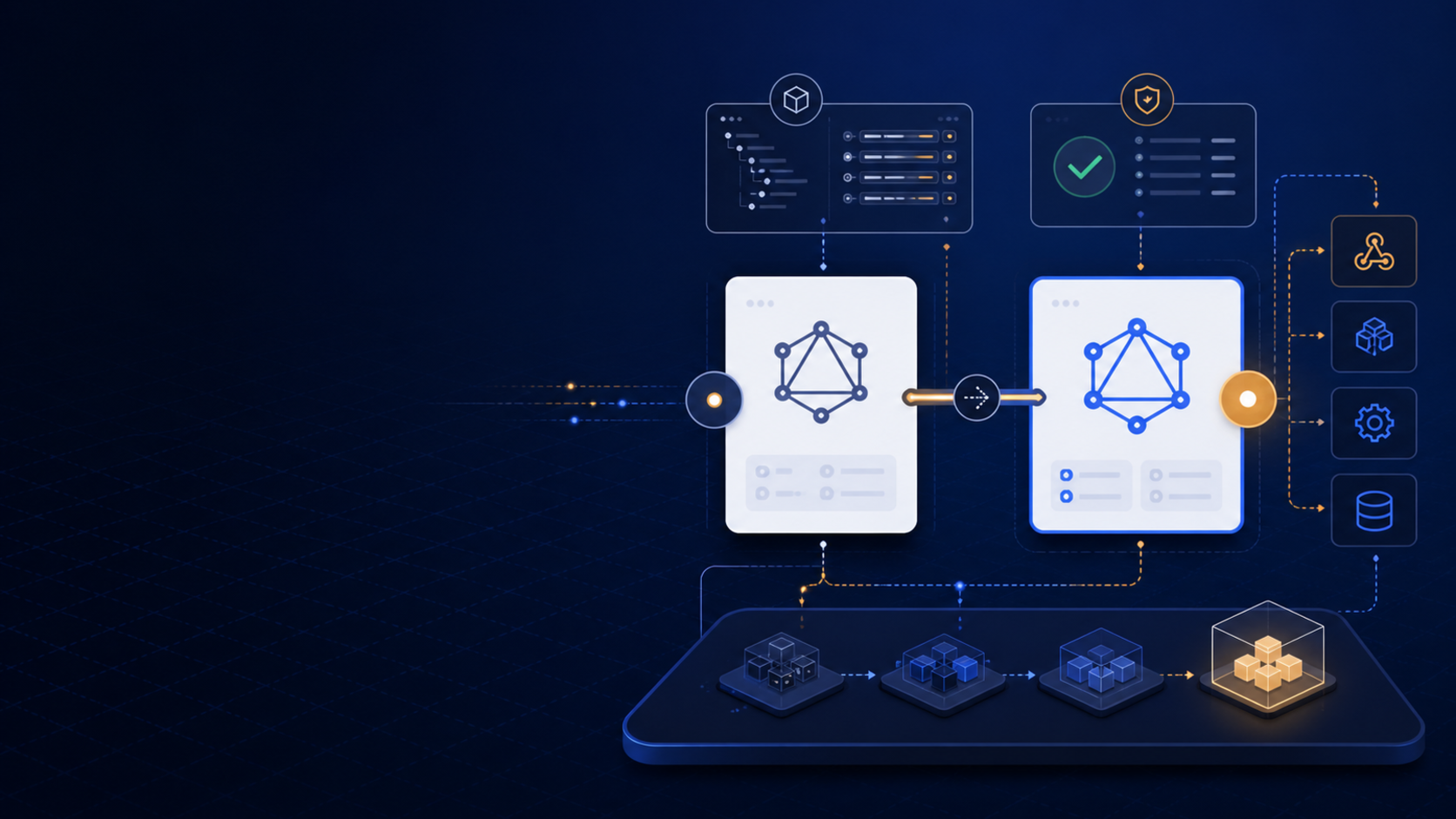
Shopify API 2026-10 is scheduled for October 1, 2026. For a merchant with a custom app, ERP connection, product sync, or storefront integration, the useful migration work is not a last-minute version bump. It is an inventory of dependencies, a focused test plan, and a release path that explains what happens when an API response changes.
This checklist focuses on confirmed Shopify versioning information and one documented 2026-10 change that can affect GraphQL Admin API queries. It does not assume that every app has the same risk.
What Shopify has confirmed about API 2026-10
Shopify’s API versioning documentation describes quarterly API releases. The page lists the 2026-10 release date as October 1, 2026, with that version available until October 16, 2027. Shopify recommends using an explicit stable version rather than relying on an unspecified version, and its versioning model applies to webhooks as well as API requests.
The exact work for a merchant depends on which APIs and resources the app uses. A theme-only change may have no Admin API migration. A private app that manages products, metafields, orders, customers, or webhooks deserves a deliberate review.
The confirmed breaking point to investigate
Shopify’s July 24, 2026 developer changelog says invalid metafield queries will return errors in the GraphQL Admin API for 2026-10. The issue is a query that filters by a metafield that has not been configured for filtering. Shopify says 2026-07 and earlier versions retain the previous behavior.
Do not translate that into a broader claim that all metafield reads will fail. Find the exact query shapes in your code and compare the required metafield configuration with Shopify’s current documentation. The migration risk is highest when a search, sync, admin screen, or background job quietly relies on an invalid filter.
Build an API dependency inventory
For every custom app or integration, record:
- the API type and explicit version used;
- GraphQL queries and mutations;
- REST requests, if any remain;
- webhooks and their API version;
- scopes and data owners;
- metafield definitions and filters;
- pagination, retry, and rate-limit handling; and
- the person responsible for release and rollback.
Search the codebase for API version strings, GraphQL Admin API clients, metafield filter arguments, webhook registrations, and generated Shopify types. Review scheduled jobs as well as interactive admin pages. A migration can look healthy in the app interface while a nightly synchronization fails on the first changed response.
Test metafield filters deliberately
Create test cases for every query that filters by a metafield. Verify the namespace, key, value type, resource, and filtering configuration used by the store. Run the query against a safe development or staging environment, then test the error path as well as the successful path.
The application should log enough context to identify the store, operation, and query family without writing customer data or secrets to logs. A user-facing admin screen should show an actionable error instead of an empty result that looks like a valid search with no matches.
This is a recommendation for resilient software design. Shopify’s confirmed change is the move from the previous behavior to an error for invalid metafield filters in 2026-10.
Review webhooks and downstream systems
Because Shopify versions webhooks, include them in the migration plan. Confirm that webhook registrations use an explicit version, that the handler accepts the current payload shape, and that downstream jobs remain idempotent. Test duplicate delivery, delayed processing, missing related records, and a failed retry without inventing a payload change that Shopify has not documented.
For product or order integrations, compare the data used by the app with the business process: catalog availability, variant publication, customer accounts, B2B company context, inventory, and fulfillment. API compatibility is necessary, but it is not enough if the integration maps the data to the wrong internal record.
Shopify API 2026-10 migration checklist
- Inventory every custom app, private app, and integration.
- Pin each request and webhook to an explicit API version.
- Search GraphQL Admin API code for metafield filters.
- Verify that every filtered metafield is configured correctly for filtering.
- Run happy-path and invalid-filter tests in a safe environment.
- Check pagination, rate limits, retries, idempotency, scopes, and error handling.
- Test scheduled jobs, admin screens, webhooks, and downstream systems.
- Define release, monitoring, support, and rollback steps before October 1.
If a query is business-critical, do not wait for the 2026-10 release date to discover that its empty-state handling was hiding errors. The earlier a team can identify a query, reproduce it, and assign ownership, the smaller the migration becomes.
Need help with a Shopify integration?
If the migration involves a custom app, a theme-to-API workflow, an ERP or PIM connection, or a new integration boundary, MerchWeave can help with Shopify development, custom apps, and integrations. Contact us to scope an API audit and migration plan.
Sources and update note
- Shopify Developer Docs: API versioning
- Shopify Developer Changelog: Invalid metafield queries now return errors in the GraphQL Admin API
The API dates and metafield-query behavior above are based on Shopify documentation and changelog entries reviewed on August 8, 2026. The inventory, testing, logging, and release recommendations should be tailored to the app’s actual queries, webhooks, permissions, and downstream systems.